HTTP Response Codes
Introduction
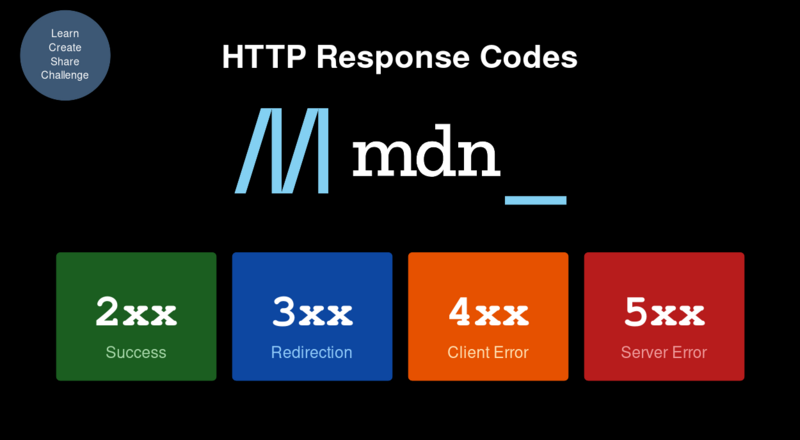
When an HTTP request is made to a server, the server responds with a status code indicating the result. These codes are grouped into ranges by category.
Reference
2xx — Success
| Code | Status | Description |
|---|---|---|
| 200 | OK | Request was successful |
| 201 | Created | Request was successful and a new resource was created as a result |
| 204 | No Content | Request was successful but there is no data to return in the response |
4xx — Client Error
| Code | Status | Description |
|---|---|---|
| 400 | Bad Request | Request was malformed or invalid and the server was unable to process it |
| 401 | Unauthorized | Request requires authentication, but the client failed to provide valid credentials |
| 403 | Forbidden | The client does not have permission to access the requested resource |
| 404 | Not Found | The requested resource could not be found on the server |
| 405 | Method Not Allowed | The client used an unsupported HTTP method to access the resource |
5xx — Server Error
| Code | Status | Description |
|---|---|---|
| 500 | Internal Server Error | An error occurred on the server while processing the request |
Note: This is a subset of commonly used codes. For a complete reference see MDN Web Docs — HTTP response status codes.
Further Reading
- MDN — HTTP response status codes — complete reference for all standardised HTTP response status codes
- RFC 9110 — HTTP Semantics — the official IETF specification defining HTTP semantics, methods, and status code meanings
- HTTP Status Codes (restfulapi.net) — practical guide to choosing the right status code when designing REST APIs
Conclusion
HTTP response codes give both the client and developer a clear indication of what happened to a request — always check these carefully when debugging API calls.